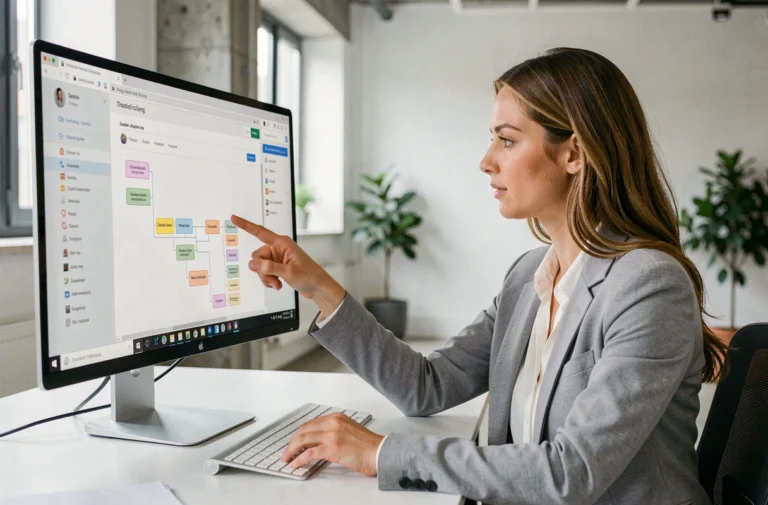
With the explosion of video sharing platforms and the growing popularity of visual content, mastering the art of video capture has become essential. Whether for a vlog, a tutorial, or a short film, the quality of your recordings can make all the difference. Lighting, camera stability, and angle selection are major elements not to be overlooked.
The rapid evolution of technology offers a plethora of tools to enhance video quality. From sophisticated editing software to accessories like stabilizers and external microphones, every detail counts in capturing the audience’s attention and standing out in a sea of content.
The best techniques for capturing quality videos
For quality video captures, several technical elements must be mastered. First, make sure to use a powerful software. Among the most recommended tools, OBS Studio stands out for its flexibility and numerous features. This software allows you to capture high-definition videos while offering advanced options for streaming and recording.
Optimize lighting and sound
Lighting plays a fundamental role in the quality of your videos. Use appropriate light sources to avoid unwanted shadows and ensure a clear image. Additionally, a good microphone is essential. The built-in microphones on webcams or computers are often insufficient. Opt for an external microphone to capture clear sound without background noise.
Stabilize the image
A shaky video can quickly become unpleasant to watch. Use a tripod or stabilizer to ensure a stable image. For smartphones, accessories like gimbals are particularly effective.
- Use powerful software like OBS Studio.
- Optimize lighting and sound for better image and audio quality.
- Stabilize the image to avoid shakes.
Zoom and other tools
For screen recordings and virtual meetings, Zoom is an essential tool. Compatible with Windows, Mac, Linux, and smartphones, it allows you to capture videos of meetings, webinars, and audio conferences. The quality of the video will largely depend on your Internet connection. A slow connection can indeed affect the smoothness and clarity of the image.
The platform FranceVidCaps also recommends using editing software like AVAide Video Converter to further enhance video quality. This tool is compatible with various operating systems and optimizes videos recorded via Zoom.
By following these techniques, you will be able to produce high-quality, captivating, and professional video captures.
The essential tools for successful video captures
To succeed in your video captures, several tools prove to be indispensable. First, a powerful capture software makes all the difference. OBS Studio is often cited for its robustness and advanced options. It not only allows you to capture high-definition videos but also to stream live.
Editing and enhancement software
Once the capture is done, editing plays a key role. AVAide Video Converter is recommended to improve the quality of recorded videos. This software is compatible with Windows, Mac, Linux, and smartphones. It optimizes Zoom videos, making your recordings more professional.
Comparison table of tools
| Tool | Main feature | Compatibility |
|---|---|---|
| OBS Studio | Capture and live streaming | Windows, Mac, Linux |
| AVAide Video Converter | Video enhancement | Windows, Mac, Linux, smartphones |
Optimizing the capture environment
Optimizing the capture environment is also fundamental. Use tripods or stabilizers to ensure a stable image. Make sure you have a good light source and an external microphone for quality sound. A fast Internet connection is essential for recordings via Zoom. A slow connection can indeed affect the quality of the videos.
By combining these tools and techniques, you will maximize the quality of your video captures, whether they are screen recordings, Zoom meetings, or webinars.